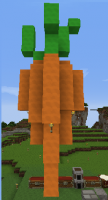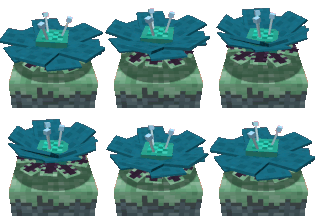


 Those are just some of the cool things in that map. You can even create your own custom map! So, I bet you guys want to know how to install it? Well, here ya go.
 Step 1. Downgrade the minecraft.jar in the bin folder to 1.3.2 (when emeralds were added).
Step 2. Download the "Launcher" for it here: http://bit/ly/M9FF5w" onclick="window.open(this.href);return false;
Step 3. Click the "AdventureCraft.jar" program (be sure to open that one and not the other ones.
Step 4. Press the "Install via Login" button and enter the minecraft account stuff.
Step 5. It will come up with an error, ignore it. Now click "Install" and it will install.
Step 6. Have fun, and leave a comment if you have any problems.